For comic creatorsMake your
Make your
comic online.
Make a comic in your browser: draw pages, letter balloons, check them for print, export a PDF or CBZ and share a reader link. A free comic maker and print toolkit.
Your first one-page comic takes about ten minutes, with a guide beside you.
- Free, no card
- No AI, never trained on your art
- Private until you share
Showcase and creatorsGet read while
Get read while
you make it
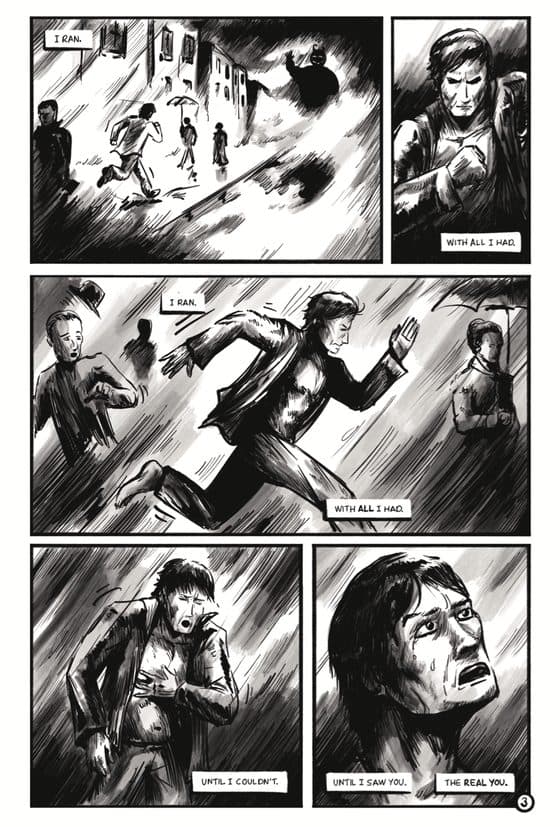
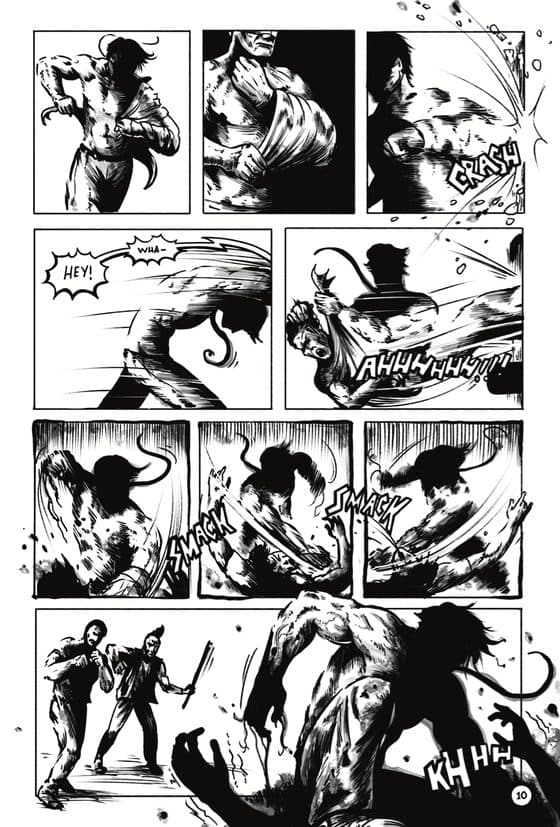
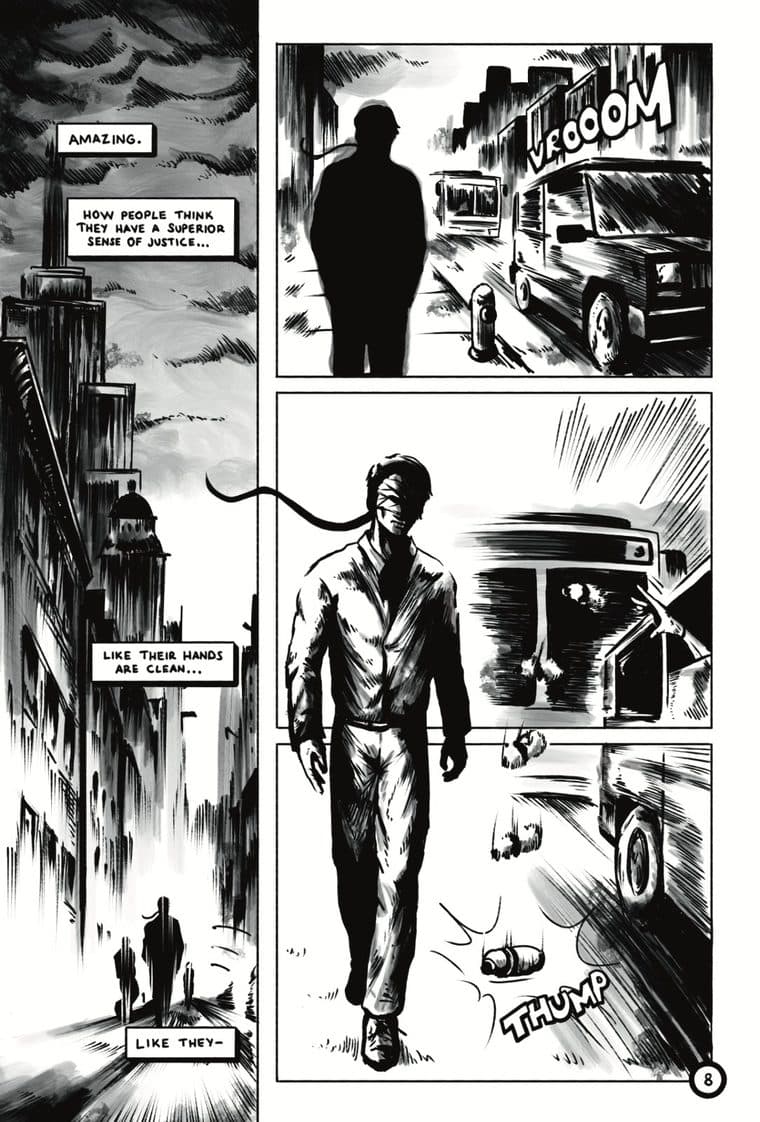
Indie creators share their books here page by page, as they are made. Readers follow along, like the pages they love, and leave a note on the exact page. Set a project to public and your book is on the showcase, your name is on the creators page, and every reader can follow you.
Free. Your book stays private until you choose to share it.


From plan to printTen stages.
Ten stages.
It keeps score.
A comic is ten stages, from the plan to the share. ComicCraft keeps score: what is done, what is next, and the right tool for each stage. Draw here, or upload pages drawn elsewhere.
Live demo
Moon Rabbit #1
Planning · 10%01 Plan
donePick a size, a page count and a binding. Every tool reads them from here on.
- Page count set
- Page count works for the binding
- Binding chosen
NextPlan: everything on the list is done. Next up is script.
Plays on its own. Tap or click a stage to jump; hovering pauses it.
One project, every tool
Set your book up once
A project holds one book: trim, bleed, safe area, resolution, page count and cover. Every tool inside it starts from those numbers, and every result is saved with the book: the DPI check, the spine, the preflight checklist, the exports.
Create a free projectShared settings
Trim, bleed, DPI and page count flow into every tool automatically.
Private by default
Projects are yours alone until you share a book. Nothing you upload is used for training.
Fast
Checks and exports run in your browser. PDFs and images are read on your machine, not on a server.
Questions
Before you start
Is ComicCraft free?
Yes. The tools need no account at all. A free account holds 3 projects and 1 GB of pages, with no card. Every plan has every feature; Pro only adds room.
I draw on paper or in another app. Can I still use it?
Yes. Upload scans or finished pages (PNG, JPG, WebP or a PDF) and every page is checked against your print size. The script, layout, checks, exports and reader work the same as for pages drawn here.
Does ComicCraft use AI?
No. Nothing here generates art or writes for you, and nothing you upload, draw or write is used to train AI, ours or anyone else’s.
Who owns my comic?
You do. ComicCraft only stores your pages to show them to you, and to your readers if you share a book. Delete a project or your account and that ends.
Does it work on an iPad or a phone?
Yes, in the browser, with nothing to install. The drawing screen takes a stylus with pressure, such as an Apple Pencil, or a finger or a mouse; two fingers move and turn the paper. Books read well on any phone.
Read
All posts →Answers, not marketing
Print
Comic Book Cover Size: Wraparound Dimensions, Spine and Bleed
A comic cover is back + spine + front + bleed: 13.5 x 10.5 in stapled, 13.76 x 10.5 in at 96 pages. Sizes for every trim, spine widths by page count, and a calculator.
5 min readSizesComic Page Size in Pixels at 300 and 600 DPI
Pixel sizes for every comic, manga and graphic novel format at 300 and 600 DPI, with and without bleed, the maths behind them, and a calculator for any custom size.
5 min readSizesManga Page Size: B6, A5, B5 and Digital Sizes in mm and Pixels
Tankobon are B6 (128 x 182 mm), doujinshi A5 or B5, US editions 5 x 7.5 in. Every manga size in mm, inches and pixels, the manuscript frames, and what to draw at.
6 min readYour first page is ten minutes away
Free, with a guide beside you. No card, no AI.